














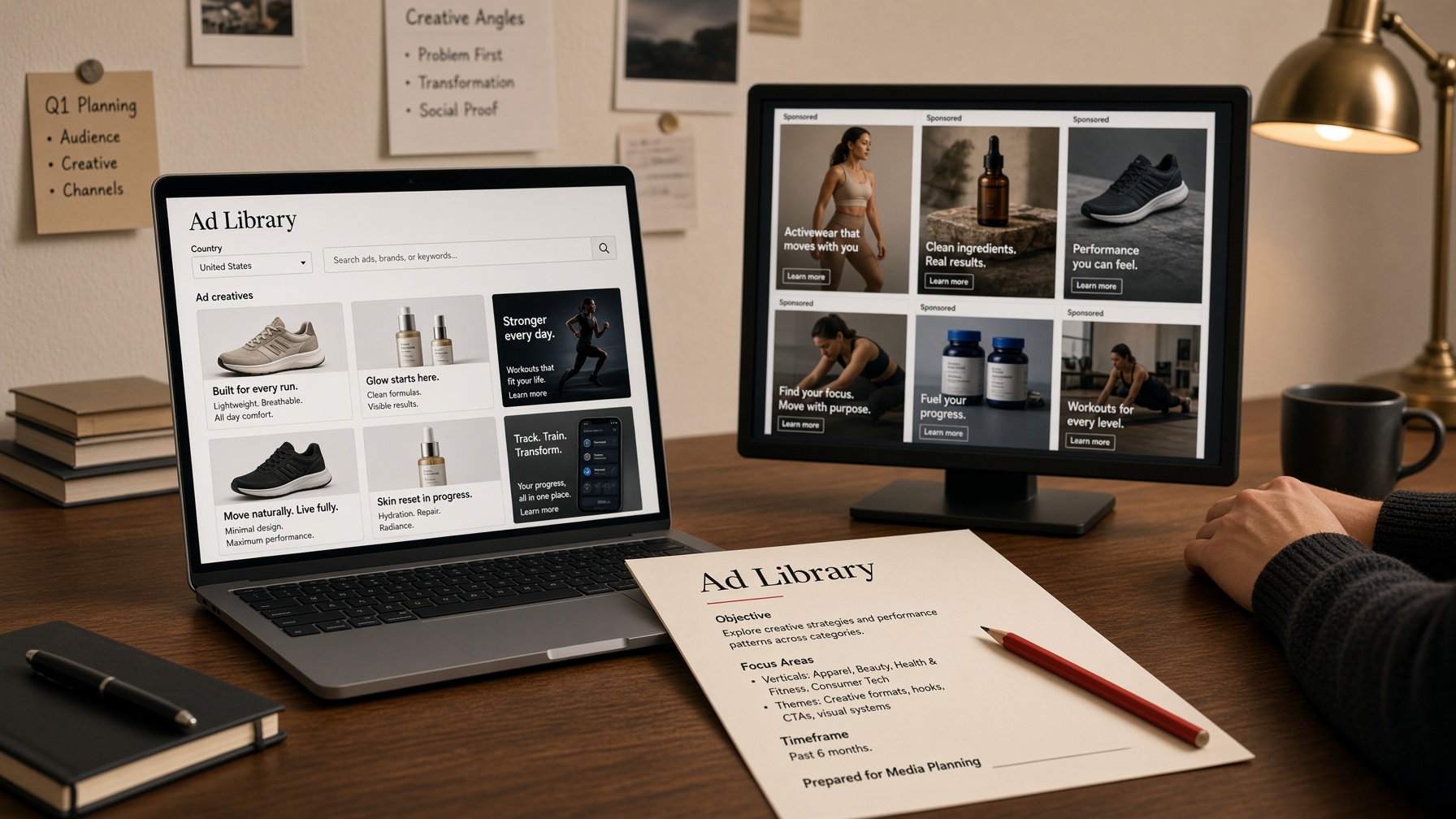
The Meta Ad Library is Meta’s public ads library. Open it at facebook.com/ads/library. No paid seat. No login for a basic search. You pick a country, type a Page or a keyword, and see the Facebook and Instagram ads that Page is running right now.
That is facebook ads transparency in the official form. It is also the ceiling of a free desk. You do not get the landing page, the targeting, or a sort by “this has been buying for 90 days.” When you need that, you pay. This page is the walkthrough. The ranking of paid tools is best Facebook ad spy tools.
Open the Meta Ad Library (no login)
Go to facebook.com/ads/library. That is the only official URL. There is no app. Desktop or phone both work.
You are not in Ads Manager. Ads Manager is the buyer’s console — budgets, pixels, ad sets. The library is the public archive. Searching it does not open an ad account and does not need a Business Manager.
What you see on load:
- A country / region control. Set this before you type. The library shows ads delivered to that country, not “the internet.”
- An Ad category dropdown. For commercial research pick All ads. Issues, elections or politics is a different dataset with extra fields.
- A search box. Page name or words that appear in the ad.
Meta’s own help says anyone can view and search. A Facebook login is not the gate. The one catch: age-restricted creatives (alcohol, gambling) may hide if you are underage or not logged in. If a whiskey brand looks empty, log in and search again before you assume they paused.
If the ads library meta page fails to load, it is usually a tracker blocker or a corporate VPN. Try a clean browser. The product is not region-locked for a US or EU search.
How to search — Page, keyword, country
A meta ads library search has three levers. Use them in this order or the results lie.
1. Country first
Set the country to the GEO you actually buy. For a US offer, pick United States — not All. “All” mixes creatives written for Brazil, the UK, and the USA in one scroll. Advertisers change the hook by market. A USA lander is not the India lander.
If a brand sells in five countries, search the Page once per country. That is the job. One global dump is how people brief the wrong angle.
2. Ad category: All ads
Leave it on All ads unless you are researching issue or political spend. Political ads keep inactive copies for seven years and show spend ranges. Commercial ads in the United States generally show active ads only. If you came here for last year’s evergreen funnel, the official library will not hand it to you.
3. Search the Page, not the slogan
Type the advertiser’s Page name and pick it from the dropdown. Results group by Pages. Open the Page. You now have every active ad from that advertiser, not a keyword coincidence.
Page search is the honest path. “Best collagen 2026” as a keyword will miss the brand that never says collagen in the primary text. Search the Page you already saw in the feed, or the competitor you already lost to.
4. Keyword search when you do not have a Page
Keyword search matches copy on the ad. Use the offer noun (“NMN”, “funding”, “dentures”, “keto gummies”), not a media-buyer slogan. You will get mixed Pages. Open the ones still running a stack of variants. One lonely ad is a test. Eight actives is a brief.
5. Filters after results
On a Page’s ads you can usually narrow by:
- Country — again. Do not trust the first picker if you later jump Pages.
- Platforms — Facebook, Instagram, Messenger, Audience Network. Threads ads show on the same cards when Meta served them there.
- Impressions window — useful on political/issue ads; thinner on commercial.
- Media type — image vs video when the control is there.
Click See ad details on a card. You sometimes get the About blurb and lead-form fields. You still will not get the destination URL on most commercial ads. That gap is why paid Facebook ad spy tools exist.
A 12-minute USA search that actually finishes
Example job: you saw a funding ad in a US feed and you want to know if the Page is still buying.
- Open facebook.com/ads/library.
- Country: United States. Ad category: All ads.
- Paste the Page name, pick the exact Page, ignore the lookalikes.
- Count active ads. Under three: it is a test or a corpse. A dozen-plus with shared copy: they have a line.
- Filter platform to Instagram if your buy is Reels. Filter back to Facebook if your buy is Feed.
- Write the hooks. Close the tab. Do not screenshot forty near-duplicates.
If you cannot find the Page, keyword-search the offer noun plus the GEO you care about, then jump from a result into the Page view. Keyword search is the on-ramp. The Page is the desk.
What you actually get (and what you don’t)
Treat the Meta Ad Library as a confirmation tool, not a media plan.
You get
- The creative and the primary text, for ads that are active now.
- Which Meta surfaces ran it: Facebook, Instagram, and the rest of the platform list.
- A start date on many cards — enough to see “this is new” vs “this has been up.”
- Page transparency: when the Page was created, name changes, sometimes admin country on large Pages.
- For ads about issues, elections or politics: who paid, a spend range, impression ranges, inactive ads, seven years of storage, and a downloadable Ad Library Report.
- In the EU and UK, extra commercial transparency because of the Digital Services Act. US commercial ads are thinner.
You don’t get
- The landing page. The official library is not a lander scraper.
- Targeting: age, interests, lookalikes, Advantage+ settings. None of it.
- Spend or ROAS on ordinary US commercial ads. Those numbers are a political/issue feature.
- Inactive commercial history in the US. Paused yesterday, gone from the All-ads view.
- Sort by longest-running, most variants, or “still buying in my GEO.”
- Saved boards, duplicate detection, or a CSV of 400 creatives.
If the library is empty for a Page, a paid seat will not invent inventory. If the library is full and you still cannot see the offer page, that is the moment a spy tool earns the invoice.
Instagram ads library is the same desk
There is no separate Instagram ads library URL. Instagram ads live in the Meta Ad Library. Facebook and Instagram share one auction. Searching “instagram ads library” and landing on a third-party index is how people pay for a copy of a free page.
To see Instagram-only cards: open the Page, then use the platform filter. Many advertisers run the same file on both. The ones worth stealing for Reels usually have a vertical cut, a talking head, or a caption that does not read like a Feed static. Count those. Ignore the square that was clearly built for Facebook and dumped onto Instagram.
Stories, Reels, and Feed ads all sit in this library when they are active. Threads ads show up on the same Page when Meta served them. You still will not see the Instagram shop URL or the checkout offer unless the advertiser wrote it into the copy.
Facebook ads examples — steal a pattern, not a file
People type “facebook ads examples” when they want a swipe. The library is good at that if you stay disciplined.
- Pick a Page that is still buying. Active ads beat a gallery of dead winners.
- Count variants. One hero image is a test. A grid of hooks on the same offer is a line that survived.
- Write down the pattern: hook, proof, offer, CTA, format (UGC, static, motion). Not the trademark. Not the exact claim.
- Check a second country if they sell internationally. The USA angle is often not the UK angle.
- Rebuild. Do not clone the file, the headline, or the health claim.
A useful facebook ads examples session is forty minutes on two advertisers, not three hours of screenshots you will never open. Save the Page names. Come back in a week. If the same six ads are still up, that is your brief. If the Page went dark, you screenshotted a test that died.
For dropshipping creatives, the library confirms the ad. It does not confirm the supplier, the store, or whether the product still converts. That is a different stack — and a different ranking.
Download, Chrome extension, API
There is no official facebook ad library downloader for commercial ads. You can screenshot. You can open See ad details. You cannot export a Page’s full commercial history to CSV from the public UI.
What Meta does ship:
- Ad Library Report — a download for ads about social issues, elections or politics, by country and date. Use it for that job. It is not a creative swipe file for nutra.
- Meta ads library API (
ads_archiveon Graph) — programmatic search. Coverage is political/issue worldwide (seven years) plus commercial ads that reached the EU or UK (about a year). A US-only commercial dump is not what the API is for. You need an access token andad_reached_countrieson every call.
Chrome extensions exist that promise bulk download. They break when Meta changes the DOM. Some of them violate Meta’s terms. This desk does not recommend one. If you need history, landers, and a board you can share with a buyer, that is paid software — not a browser plugin taped to the official library.
When free is enough vs when you pay
Stay on the Meta Ad Library when the question is:
- Is this Page advertising at all?
- What are they running in public in this country right now?
- Can I steal a pattern from a handful of facebook ads examples?
- Do I need political or issue spend ranges?
Pay when the question is:
- Where does the ad go? Affiliate landers, squeeze pages, checkout. That is AdPlexity Social — Facebook and Instagram funnels, not Native widgets. List $99/mo. Partner code AFFMAVEN_S is 50% off month one ($49). Annual is AFFMAVEN_SA at $79/mo. Coupon page. Open AdPlexity Social.
- Can I try a modern Meta desk before I pay? Tyver has a free plan. Pro is $79/mo. Code AFFMAVEN is 20% on paid seats. Tyver pricing. Open Tyver.
- Do I need years of Facebook and Instagram history? AdSpy (adspy.com — not this website) is the archive. List $149/mo. AFFTWEAKS is 50% off month one ($74.50), then $149. AdSpy pricing. Open AdSpy.
- Do I want a cheap wide net across networks? BigSpy starts at $9/mo. AFFCOUPON is 20% on paid. BigSpy coupon. Open BigSpy.
Paste the code at checkout. Don’t add another code.
AdPlexity Social is the Social module. Native, YouTube, Push, Mobile, Desktop, and Adult are other checkouts with other codes. Open the Social partner link from this site and confirm the page says Social before you pay.
We are an affiliate. If you buy through our links, we may earn a commission. That does not change the ranking. Full note: affiliate disclosure.
Meta Ad Library vs a paid Facebook ad spy
| Meta Ad Library | Paid Facebook ad spy | |
|---|---|---|
| Cost | Free | From $9/mo (BigSpy) to $149/mo (AdSpy list) |
| Login | Not required for basic search | Account on the tool |
| Facebook + Instagram ads | Active ads, by Page | Active plus history, depending on the index |
| Country filter | Yes | Yes, usually with GEO sort |
| Landing page | Almost never | Yes on AdPlexity Social |
| Targeting / spend (US commercial) | No | Still rare. Do not buy a spy expecting Ads Manager data |
| Longest-running sort | No | Yes on a real spy |
| Saved tracking | No | Yes |
| Political spend ranges | Yes (issue/elections) | Not the reason you buy a spy |
| Official source | facebook.com/ads/library | Third-party index |
Use the library first. Buy a seat when a missing lander or a missing year of history is costing tests. Which seat: best Facebook ad spy tools in 2026.
Mistakes that waste the search
- Searching a niche slogan instead of the Page. The library matches copy and Page names, not “your avatar.”
- Leaving country on All, then briefing a USA buyer on a UK creative.
- Using Issues, elections or politics when you wanted All ads — or the reverse. Different dataset. Different fields.
- Calling a Chrome extension “the official downloader.” It is not.
- Paying for a Facebook ad spy because the library “has no ads,” when you searched the wrong Page or the wrong country.
- Skipping the official URL and landing on a scraped “ads library meta” clone. Start at facebook.com/ads/library.
FAQ
Do I need a Facebook login to use the Meta Ad Library?
No. Basic search is public. Log in only if age-restricted ads (alcohol, gambling) hide their creative, or if a Page looks empty and you want to rule out the wall.
Is the Instagram ads library a different site?
No. Instagram ads are in the Meta Ad Library. Filter the Page by platform. There is no official separate Instagram URL.
Why can’t I see spend, targeting, or the landing page?
Those fields are not part of US commercial transparency. Spend and impression ranges belong to issue, elections or politics ads. Destinations are what paid spies sell. The library tells you the Page is advertising. It does not give you the funnel.
Is there an official Facebook ad library downloader or API?
The official download is the Ad Library Report for political/issue ads. The official API is Graph ads_archive (meta ads library API) — political worldwide, plus EU/UK commercial. There is no official bulk downloader for US commercial creatives. Treat Chrome extensions as unofficial.
Is this the same as Facebook Ads Manager?
No. Ads Manager is where advertisers build and pay. The Meta Ad Library is the public search. You cannot edit a campaign from the library and you cannot pull your own performance from it.
When should I pay for a Facebook ad spy tool?
When you need landing pages, longest-running filters, advertiser history, or a board you can share. Start with Tyver if you want a free Meta desk. Use AdPlexity Social when the lander is the point. Use AdSpy when the archive is the point. Codes: AFFMAVEN_S (Social), AFFMAVEN (Tyver), AFFTWEAKS (AdSpy), AFFCOUPON (BigSpy). Paste the code at checkout. Don’t add another code.
Open it, then decide if you pay
Bookmark facebook.com/ads/library. Country, All ads, Page name. Ten minutes. If that answers the brief, stop. If you are staring at a creative with no destination and no history, pick a seat from the Facebook ranking and use the partner code on the deal page.